

Our Verdict
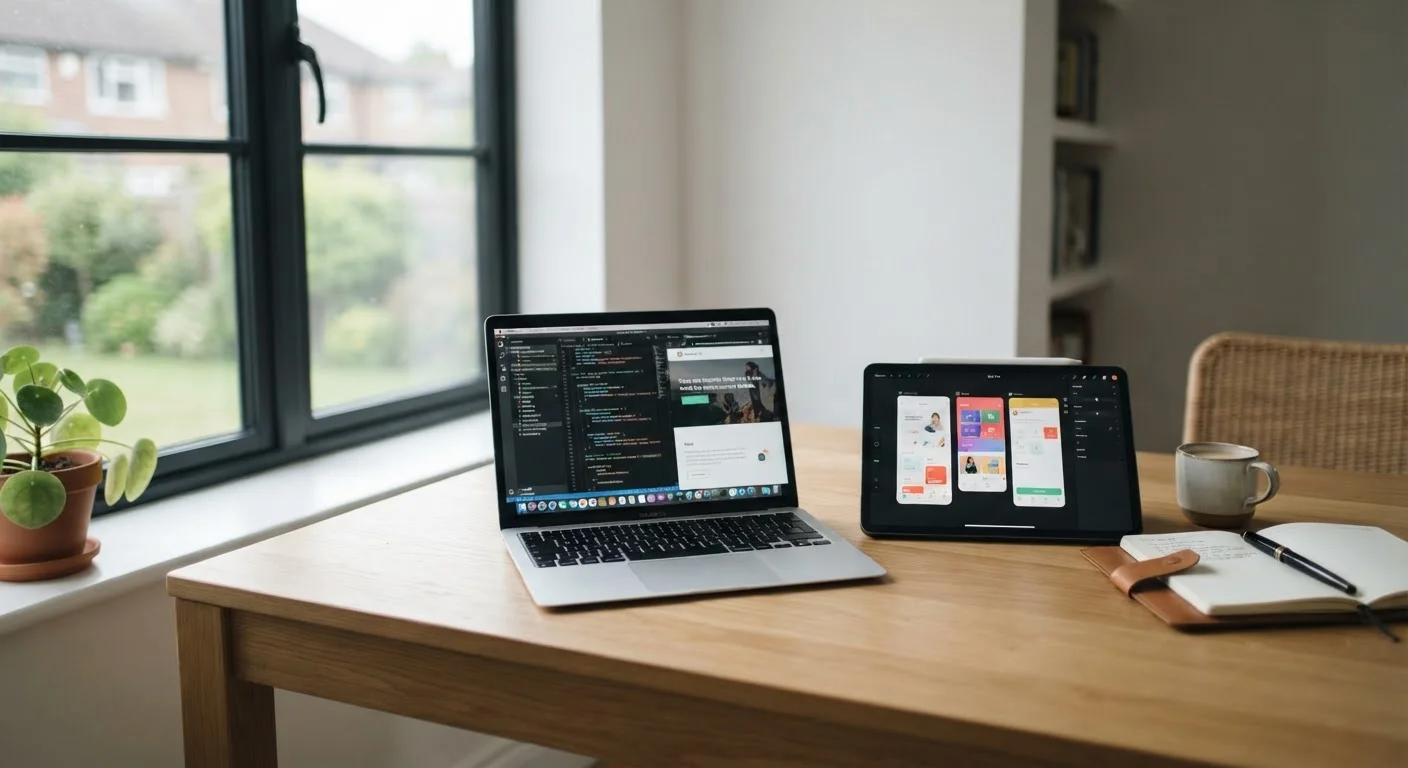
Neither tablets nor laptops are universally better - the right choice depends on how you actually work and what you need a device to do. Laptops remain the stronger default for sustained productivity, complex software, and file-heavy workflows. Tablets shine when portability, battery endurance, and simplicity matter most.
| Best for | Recommended |
|---|---|
| Students or professionals needing full desktop software and multitasking | Laptop |
| Light users focused on reading, note-taking, and media consumption | Tablet |
| Frequent travelers who prioritize weight and all-day battery life | Tablet |
| Anyone who needs a flexible second device alongside a desktop | Tablet |
Why This Decision Is Harder Than It Used to Be
A few years ago, tablets and laptops occupied clearly separate lanes. Tablets were for reading and video; laptops were for getting real work done. That boundary has blurred considerably. High-end tablets now run desktop-class chips, support external keyboards and mice, and handle apps that once demanded a full computer. Meanwhile, thin laptops have gotten lighter and longer-lasting, closing the portability gap.
But convergence in hardware doesn't mean both devices are interchangeable for every task. The differences that remain - in software ecosystems, input methods, and workflow design - still matter a lot in daily use. Understanding those differences practically is more useful than comparing processor benchmarks. For a broader look at how form factors compare, see our guide on desktop vs. laptop trade-offs.
Where Laptops Still Hold the Edge
For sustained, complex work, laptops retain meaningful advantages. The biggest is software. Most professional applications - full versions of spreadsheet tools, video editors, coding environments, and local file management systems - are built for desktop operating systems like Windows and macOS. Tablet versions of those same apps are often stripped down, even when they share the same name.
Keyboard and trackpad input also remain more efficient for writing-heavy tasks. Typing on a physical keyboard for hours is less fatiguing than on a glass surface, and a trackpad gives precise cursor control that touchscreens don't replicate for detailed work. File management is another friction point: moving files between apps, connecting to network drives, or working with complex folder structures is simply more fluid on a laptop.
Multitasking - running several apps simultaneously with visible windows - is still more capable on laptop operating systems. If your workflow involves constantly switching between a browser, a document, a messaging app, and a spreadsheet, a laptop is likely to feel less cramped. Curious which laptop platform fits your habits? Our comparison of Chromebook, Windows, and MacBook categories can help.
| Criterion | Laptop | Tablet | |
|---|---|---|---|
| Full desktop software | Full app availability | Often limited or mobile versions | |
| Portability & weight | Moderate (varies by model) | Generally lighter and thinner | |
| Battery life | 4-12 hours typical | 8-15 hours typical | |
| Keyboard & input | Built-in physical keyboard | Touchscreen; keyboard sold separately | |
| Multitasking | Robust windowed multitasking | Improving, but still more limited | |
| File management | Full filesystem access | App-sandboxed, more friction | |
| Touch & handwriting | Limited (most models) | Natural touchscreen; stylus support common | |
| Cellular connectivity | Rare; mostly Wi-Fi only | Common option on many models |
Where Tablets Genuinely Shine
Tablets win on portability in a way that still matters in practice. A lightweight tablet with a cellular connection can slip into a bag and run all day on a single charge without hunting for an outlet. That combination - low weight, long battery, and optional always-on connectivity - is hard for most laptops to match at the same price.
For tasks centered on consumption and light creation - reading, annotating PDFs, sketching, watching video, video calls, and casual note-taking - a tablet's touchscreen interface is often more intuitive than a laptop's. Tablets also tend to boot and wake instantly, which matters if you're picking up a device for quick tasks throughout the day rather than long focused sessions.
Students who primarily read textbooks digitally, attend virtual classes, and take handwritten notes may find a tablet genuinely more useful than a laptop for much of their school day.
Try Before You Commit
If you're uncertain, consider using a tablet for a week before purchasing - borrow one from a friend or visit a store with a return window. Pay attention to moments when you feel constrained by the software or input method. That friction is a reliable signal about whether a laptop would serve you better for the long term.
The Middle Ground: Keyboard Cases and 2-in-1s
Tablet keyboard covers and convertible 2-in-1 laptops try to deliver both experiences. They're worth considering, but each involves real compromises. A tablet with a keyboard case gets closer to laptop functionality, but the operating system is still tablet-first - app availability and multitasking behavior don't change with a keyboard attached.
A 2-in-1 laptop running a full desktop OS solves the software problem but usually adds weight and cost compared to either a standalone tablet or a thin laptop. The touchscreen adds versatility, but the experience in tablet mode is rarely as natural as a purpose-built tablet. Our article on the trade-offs of 2-in-1 laptops explores this in more depth.
These hybrid options make the most sense when your use genuinely shifts between the two modes regularly - not just theoretically.
How to Think Through Your Own Decision
Rather than starting with specs, start with your workflow. Ask yourself: What software do I actually need to run? How many hours a day will I type? Do I need to manage complex files? If your answers point toward full desktop applications and heavy writing, a laptop is the safer starting point.
If your work is mainly browser-based, you use cloud apps, and you want something you'll naturally carry everywhere, a tablet may cover more of your real needs than a laptop would. Budget also shapes this: a capable tablet with a keyboard cover may cost significantly less than a comparable laptop, which matters if the lighter workload justifies it.
Before buying any laptop, it's also worth reading about common laptop shopping pitfalls to avoid making a purchase you'll regret. And if you're already set on a laptop but unsure which platform suits your habits, our piece on Windows vs. macOS differences breaks down what actually changes day to day.
The content on this site is provided for informational purposes only and should not be considered a substitute for professional advice. While we strive to provide accurate and up-to-date information, we make no guarantees regarding its completeness or accuracy. Always consult a qualified professional for advice specific to your circumstances before making any decisions.