

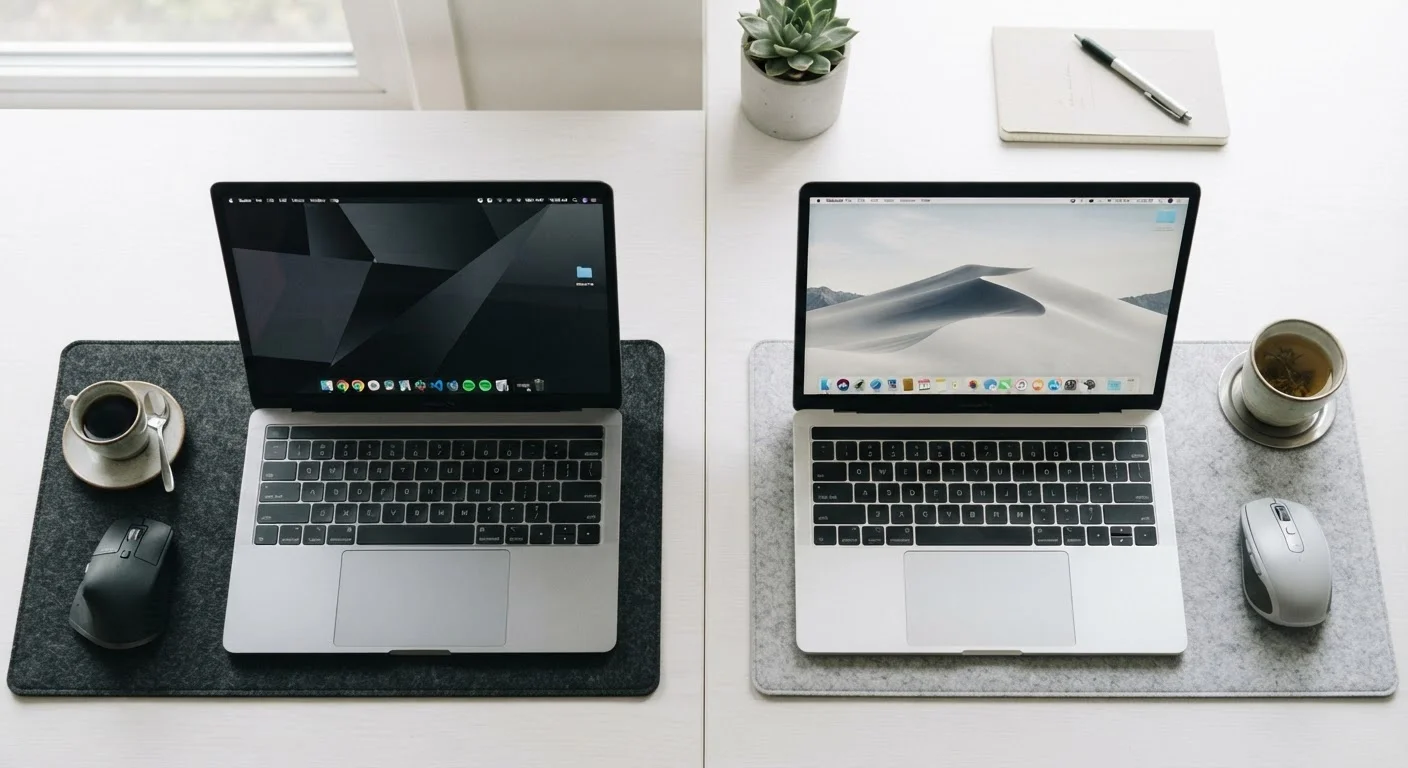
Option A
Windows
The flexible, hardware-agnostic choice for a wide range of users.
Best for: Users who want hardware variety, broad software compatibility, or need a platform that spans budget to professional tiers.
Option B
macOS
A tightly integrated ecosystem built for Apple hardware.
Best for: Users already in the Apple ecosystem or who prioritize a consistent, low-maintenance experience and creative workflows.
The Fundamental Difference: One Platform, Many Makers vs. One Maker, One Platform
The most consequential difference between Windows and macOS isn't cosmetic - it's structural. Windows is a software platform built by Microsoft and licensed to dozens of hardware manufacturers. You can run Windows on machines from many different companies, across a vast range of price points and form factors. macOS, by contrast, is designed by Apple and runs exclusively on Apple-made computers.
This distinction ripples through everything else. With Windows, you trade some consistency for flexibility - hardware quality, build materials, and performance vary widely depending on the machine you choose. With macOS, Apple controls both the software and the hardware, which generally means tighter optimization but also means you're accepting Apple's decisions about price, repairability, and available configurations.
For most everyday users, neither approach is wrong. But if budget range matters to you, or if you need a specific form factor, Windows opens significantly more doors. If you value a predictable, controlled experience and can work within Apple's lineup, macOS delivers that reliably. For a broader look at hardware decisions, see our guide to desktop vs. laptop trade-offs.
Software, Compatibility, and the Apps You Actually Use
Both platforms handle everyday tasks - web browsing, email, video calls, document editing - without meaningful friction. Microsoft 365, Google's suite, Zoom, Slack, and most major productivity tools run on both. The differences show up at the edges.
| Criterion | Windows | macOS |
|---|---|---|
| Hardware choice | Many manufacturers, wide price range | Apple hardware only |
| Gaming library | Extensive, industry standard | Limited, growing slowly |
| Enterprise software | Dominant, broadly supported | Supported but less common |
| Creative tools (audio/video) | Well supported | Strong, especially with Apple silicon |
| iPhone/iPad integration | Basic via third-party apps | Deep native integration |
| Update consistency | Frequent, occasional driver issues | Controlled, hardware-optimized |
| Malware exposure | Higher target volume | Lower volume, not immune |
Windows has a clear advantage in gaming: the overwhelming majority of PC titles target Windows first, and many never come to macOS at all. Windows also dominates in enterprise environments, where most corporate IT infrastructure, remote access tools, and industry-specific software is built around it.
macOS holds an advantage in certain creative workflows - video editing, audio production, and design work - partly because Apple's own hardware is often optimized for those tasks, and partly because several professional creative tools have historically run better on macOS. That gap has narrowed, but it still exists in specific niches. For a broader category comparison, see how Chromebooks, Windows laptops, and MacBooks differ.
Security, Updates, and Day-to-Day Maintenance
Windows has historically attracted more malware simply because it commands a much larger share of the global PC market - a larger target means more incentive for attackers. macOS faces fewer threats by volume, but it is not immune, and Apple has addressed significant vulnerabilities in recent years. The honest framing: both platforms require sensible security habits, and neither is inherently safe without them.
Built-In Security Tools on Both Platforms
Windows includes Microsoft Defender Antivirus by default, which independent testing organizations have rated as competitive with third-party tools in recent years. macOS includes Gatekeeper and XProtect, which screen apps and known malware signatures automatically. Neither replaces careful browsing habits and keeping software up to date - those remain the most effective defenses on any platform.
On the update side, macOS updates come from a single source on a controlled schedule. Windows updates are more frequent and, for some users, less predictable - driver conflicts or compatibility issues with third-party hardware can occasionally surface after major updates. This is improving, but it remains a real consideration if stability is critical to your workflow.
Ecosystem Ties and Switching Costs
If you already own an iPhone, an iPad, or an Apple Watch, macOS offers genuine continuity advantages. Features like Handoff (start something on your phone, finish on your Mac), AirDrop, and shared clipboard work fluidly across Apple devices in a way that Windows cannot match natively.
Windows, on the other hand, integrates well with Android phones through its Phone Link feature, and works broadly with a wide range of peripherals and accessories - printers, external drives, monitors, and input devices - without requiring brand-specific compatibility.
~72%
Global desktop OS market share held by Windows
Statcounter's global desktop operating system data consistently places Windows at roughly 70-73% of the market, with macOS at around 15%.
~15%
Global desktop market share held by macOS
macOS holds a smaller but stable share of the global desktop market, with notably higher penetration in North America and creative industries.
Switching platforms isn't painless. File formats are largely portable, but habits, keyboard shortcuts, and small workflow details differ enough to require a real adjustment period. The more embedded you are in one ecosystem - through apps, backups, or connected devices - the higher the practical cost of switching. That's worth weighing honestly before making a decision, rather than discovering it after the fact.
If you're weighing a computer purchase more broadly, our desktop vs. laptop decision guide covers factors that apply regardless of which operating system you choose.
The content on this site is provided for informational purposes only and should not be considered a substitute for professional advice. While we strive to provide accurate and up-to-date information, we make no guarantees regarding its completeness or accuracy. Always consult a qualified professional for advice specific to your circumstances before making any decisions.