

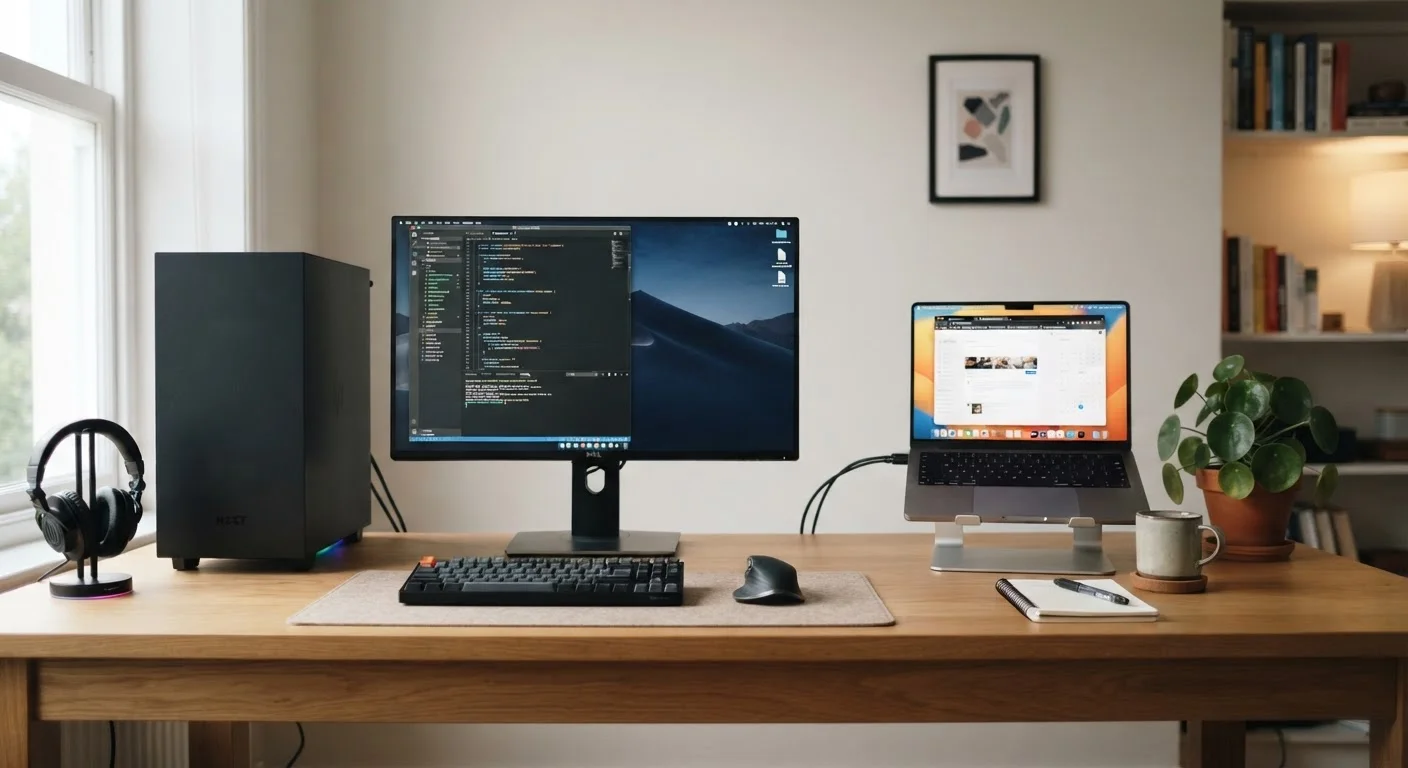
Option A
Desktop Computer
The stationary powerhouse built for a dedicated workspace.
Best for: Anyone who works primarily at home and values raw performance, a larger screen, and long-term upgradeability.
Option B
Laptop
The flexible all-in-one designed to move with you.
Best for: Anyone who works in multiple locations, travels frequently, or simply needs one device that handles everything wherever they are.
The Real Question Isn't About Specs
Most desktop vs. laptop debates get derailed by performance benchmarks and processor comparisons. For the majority of everyday users, those numbers matter far less than one straightforward question: where do you actually use a computer?
If your answer is always at one desk in one location, the portability built into every laptop is essentially a feature you're paying for but never using. If your answer involves two or three different places in a given week, a desktop immediately starts working against you.
Before comparing any hardware, sketch out a mental picture of a typical work or study week. That picture will do more to answer this question than any spec sheet. If you're already thinking about what specific laptop traits to prioritize once you decide, common laptop buying missteps are worth reviewing before you shop.
Where Desktops Have a Genuine Edge
Desktops consistently deliver more computing power per dollar than laptops. Because they don't need to fit inside a thin chassis or run on battery, manufacturers can use larger, faster components without worrying about heat or weight. That translates to real-world advantages for demanding work: video editing, photo processing, running multiple applications simultaneously, or any task that pushes a machine hard for long periods.
Upgradeability is another practical strength. Many desktops allow you to add RAM (memory), swap out a storage drive, or install a more capable graphics card years down the road - extending the useful life of your investment. Most laptops offer very limited upgrade options after purchase.
| Criterion | Desktop | Laptop |
|---|---|---|
| Portability | None - fixed in place | Full - carry anywhere |
| Performance per dollar | Generally higher | Somewhat lower |
| Upgradeability | Often extensive | Usually very limited |
| All-in-one cost | Add monitor, keyboard, mouse | Complete out of the box |
| Battery / power independence | Requires wall power always | Hours of battery use |
| Screen size flexibility | Any monitor size you choose | Limited to built-in screen |
| Physical footprint | Needs dedicated desk space | Packs into a bag |
There's a cost consideration worth flagging, though. A desktop alone isn't a complete workstation. You'll separately need a monitor, keyboard, and mouse - expenses that can add several hundred dollars to the total. Factor those into any honest comparison.
Where Laptops Make More Sense
Portability is the obvious advantage, but it's worth being specific about what that means in practice. A laptop lets you work from any room, take it to a library or café, pack it in a bag for a trip, and use it during a power outage if the battery is charged. A desktop does none of those things.
For students, remote workers, and anyone whose schedule doesn't fit neatly into one location, a laptop removes a real logistical problem. There's also a practical simplicity to having one device: one set of files, one set of apps, one screen you're already familiar with.
Battery life has improved substantially on many modern laptops, and mid-range models handle everyday tasks - email, video calls, document editing, streaming - without noticeable strain. If you're weighing whether a tablet might also fit your needs, tablet vs. laptop trade-offs explains how those two categories compare for work and study.
~55%
US adults who own a laptop
Pew Research Center surveys have consistently found laptops are the most common personal computer type owned by American adults.
3-5 years
Typical useful life for either device
Technology analysts generally estimate a well-maintained desktop or laptop remains practical for most users over roughly this range, though individual experience varies widely.
Factors That Often Get Overlooked
A few considerations that don't make it into typical spec comparisons:
- Ergonomics: Laptops used for long hours at a desk often create neck and wrist strain because the screen and keyboard are locked together. Many laptop users end up buying a separate monitor, keyboard, or stand anyway - which narrows the cost gap with a desktop.
- Longevity: Desktops, because they're easier to upgrade and run cooler under load, often stay useful longer. Laptops face more physical wear from being carried and opened repeatedly.
- Operating system: This decision is separate from the desktop-vs-laptop question, but it matters. how Windows and macOS actually differ is worth understanding before you commit to either platform.
- Space: Desktops require a dedicated area. If your living situation doesn't accommodate a permanent desk setup, that's a practical constraint, not just a preference.
Neither option is universally better. The right choice is the one that fits how you actually live and work - not the one with the most impressive numbers on a product page. For a broader look at what to watch out for once you've made your choice, common PC myths worth knowing can help you use whatever you buy more confidently.
The content on this site is provided for informational purposes only and should not be considered a substitute for professional advice. While we strive to provide accurate and up-to-date information, we make no guarantees regarding its completeness or accuracy. Always consult a qualified professional for advice specific to your circumstances before making any decisions.