

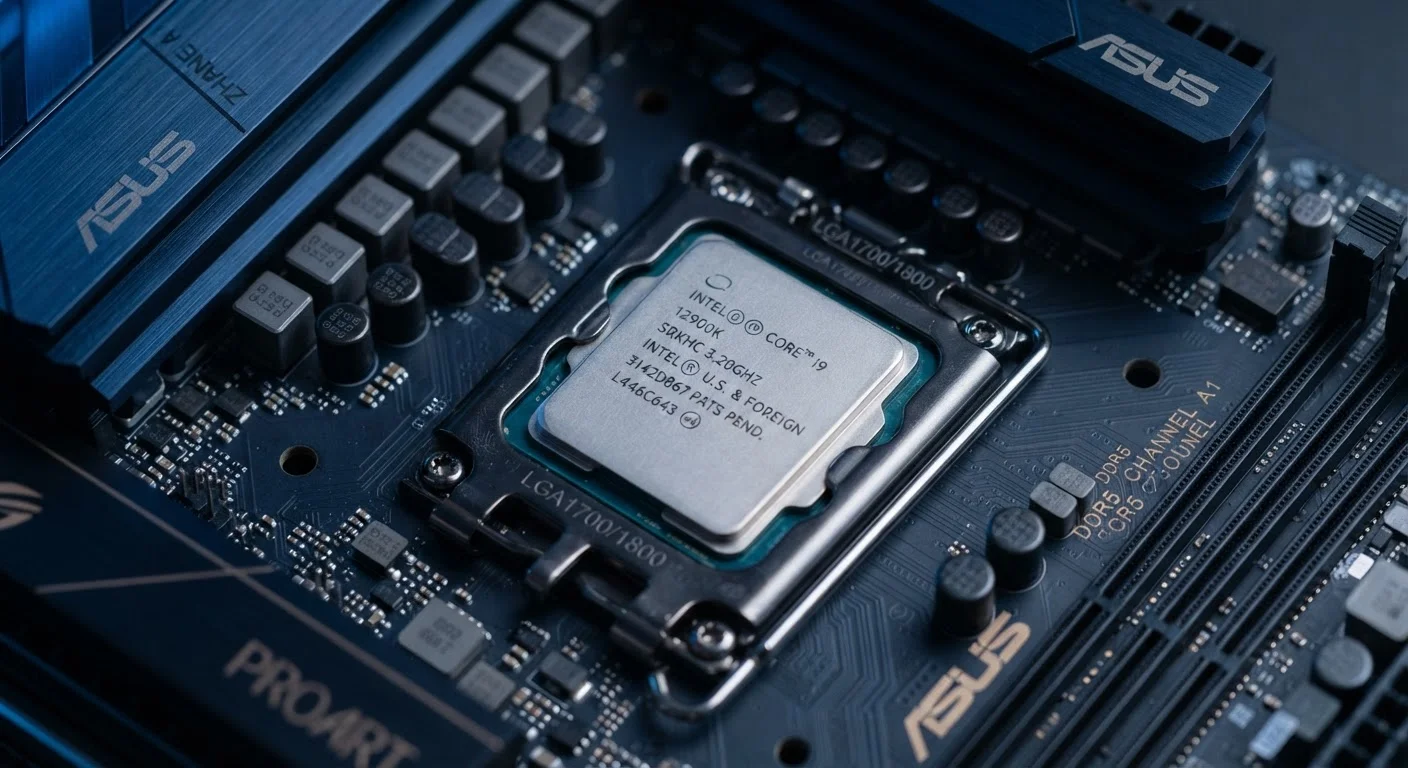
Why CPU Names Look Like Alphabet Soup
A processor name like "Intel Core i7-13700K" or "AMD Ryzen 5 7600X" isn't random. Each segment communicates something specific about the chip's tier, generation, and intended use. The problem is that manufacturers never hand you a decoder ring - they assume you already know the system.
Think of it like reading a tire size or a credit score range: the numbers follow a consistent logic, but that logic isn't explained on the product page. Just as credit scores have a defined structure that rewards knowing what each range means, processor names reward readers who understand their structure.
This guide breaks down the naming conventions used by the two dominant PC processor makers - Intel and AMD - so you can read a spec sheet with confidence.
The Core Tier Number: Where the Line Ends Up
For Intel, the line name - Core i3, i5, i7, or i9 - is the most direct indicator of overall capability. Higher numbers mean more cores, higher default speeds, and support for more demanding tasks. An i3 handles everyday computing; an i9 is aimed at creators and heavy multitaskers.
AMD uses a similar scale: Ryzen 3, 5, 7, and 9. The logic maps almost directly onto Intel's tier structure. Ryzen 3 covers basic use, Ryzen 9 targets professional-level workloads.
Neither number tells you the generation or the specific performance level - just where the chip sits within its product family. For the full picture on how processing power translates to real use, see what PC specs actually mean in practice.
CPU Generation
A numbered revision cycle of a processor family, typically bringing improvements in efficiency, speed, or feature support. Comparing chips across different generations requires caution, as a newer mid-tier chip may outperform an older high-tier chip.
SKU
Stock Keeping Unit - in processors, this refers to the specific model variant within a generation and tier. Higher SKU numbers within the same family generally indicate more cores or speed, but the numbers don't mean the same thing across different brands or generations.
TDP (Thermal Design Power)
The maximum sustained heat output a chip is rated to produce, measured in watts. Chips with lower TDP ratings run cooler and consume less battery, which is why laptop-focused chips typically carry lower TDP figures than desktop equivalents.
Integrated Graphics
A GPU built into the same chip as the CPU, sharing system memory. Suitable for everyday tasks and light use, but typically outperformed by a dedicated graphics card for gaming or video editing.
Clock Speed
Measured in GHz, this indicates how many processing cycles the chip completes per second. Higher clock speeds can mean faster single-task performance, but core count and architecture also affect real-world results significantly.
Unlocked Multiplier
A feature on certain desktop CPUs (usually denoted by a 'K' suffix on Intel chips) that allows enthusiasts to manually increase the chip's operating speed beyond its factory default, a practice called overclocking.
The Four-Digit Model Number: Generation and SKU
After the tier name comes a four-digit number - this is where most readers get lost. On an Intel Core i7-13700K, the first two digits (13) indicate the processor generation - in this case, Intel's 13th generation. On AMD's Ryzen 5 7600X, the first digit (7) is the generation number.
Generation matters because newer generations typically bring efficiency improvements, new instruction sets, and better integration with modern memory and connectivity standards. A newer-generation mid-tier chip often outperforms an older flagship - so comparing model numbers without checking generations can mislead you.
The remaining digits in the number represent the SKU - essentially the chip's position within that generation tier. Higher SKU numbers generally mean more cores or a higher base clock speed. They don't translate neatly across tiers or generations, so treat them as relative indicators within the same family and generation only.
The Suffix Letters: Use Case and Thermal Design
The letters at the end of the model number carry practical meaning for how the chip behaves day-to-day.
Intel suffix guide:
- K - Unlocked multiplier; designed for overclocking. Found only on desktop chips.
- F - No integrated graphics. Requires a dedicated GPU.
- H - High-performance mobile chip. Common in gaming laptops.
- U - Ultra-low power. Prioritizes battery life over raw performance; standard in thin laptops.
- P - Performance laptop tier, between H and U.
AMD suffix guide:
- X - Higher boost clock speeds within the same core count.
- G - Includes integrated Radeon graphics.
- U - Ultra-low power mobile chip.
- HS / HX - High-performance laptop variants with different power envelopes.
Understanding these suffixes helps you match a chip to your actual workflow. If you mostly browse and work in documents on battery, a U-suffix chip is more relevant to your needs than an H-suffix chip - regardless of how the rest of the name compares. For a parallel look at how spec numbers can mislead in another category, see which camera specs actually predict real-world performance.
Naming Conventions Change Over Time
Both Intel and AMD periodically revise their naming systems - sometimes significantly. Intel's newer Core Ultra branding, introduced in recent generations, uses a different format than older Core i-series chips. When researching a specific chip, always verify which naming generation applies so the suffix and digit rules above are interpreted correctly.
The content on this site is provided for informational purposes only and should not be considered a substitute for professional advice. While we strive to provide accurate and up-to-date information, we make no guarantees regarding its completeness or accuracy. Always consult a qualified professional for advice specific to your circumstances before making any decisions.