

What You're Actually Protecting Against
Smartphone protection is really three separate problems: physical damage, theft or loss, and data loss. Most products on the market solve only one of these - and often only partially. A rugged case won't recover your photos if your phone is stolen. Insurance won't fix a scratched lens that happened before your plan started. Understanding the threat first makes every other decision easier.
Physical damage is the most common risk for most people. Drops, screen cracks, and scratched camera lenses account for the vast majority of out-of-pocket repair costs. Water damage is real but less frequent, and modern flagship phones already carry meaningful water resistance ratings (typically rated in IP67 or IP68 - meaning controlled lab submersion, not indefinite water exposure).
IP Ratings Aren't a Lifetime Guarantee
Water resistance ratings (IP67, IP68) are tested under controlled lab conditions and can degrade over time as seals and adhesives wear. Manufacturers generally don't cover water damage under warranty even on rated devices. Treat your phone's water resistance as a safety net for accidental exposure, not a license for submersion.
Cases and Screen Protectors: What the Specs Mean
Case marketing uses drop-test ratings (often expressed in feet) to signal durability. These tests are standardized but conducted in controlled conditions - concrete floors, specific drop angles - so real-world results vary. A case rated to survive a 10-foot drop onto concrete may still fail if a phone lands corner-first on tile. Thicker cases with reinforced corners generally outperform slim ones in real drops, though the trade-off is bulk and weight.
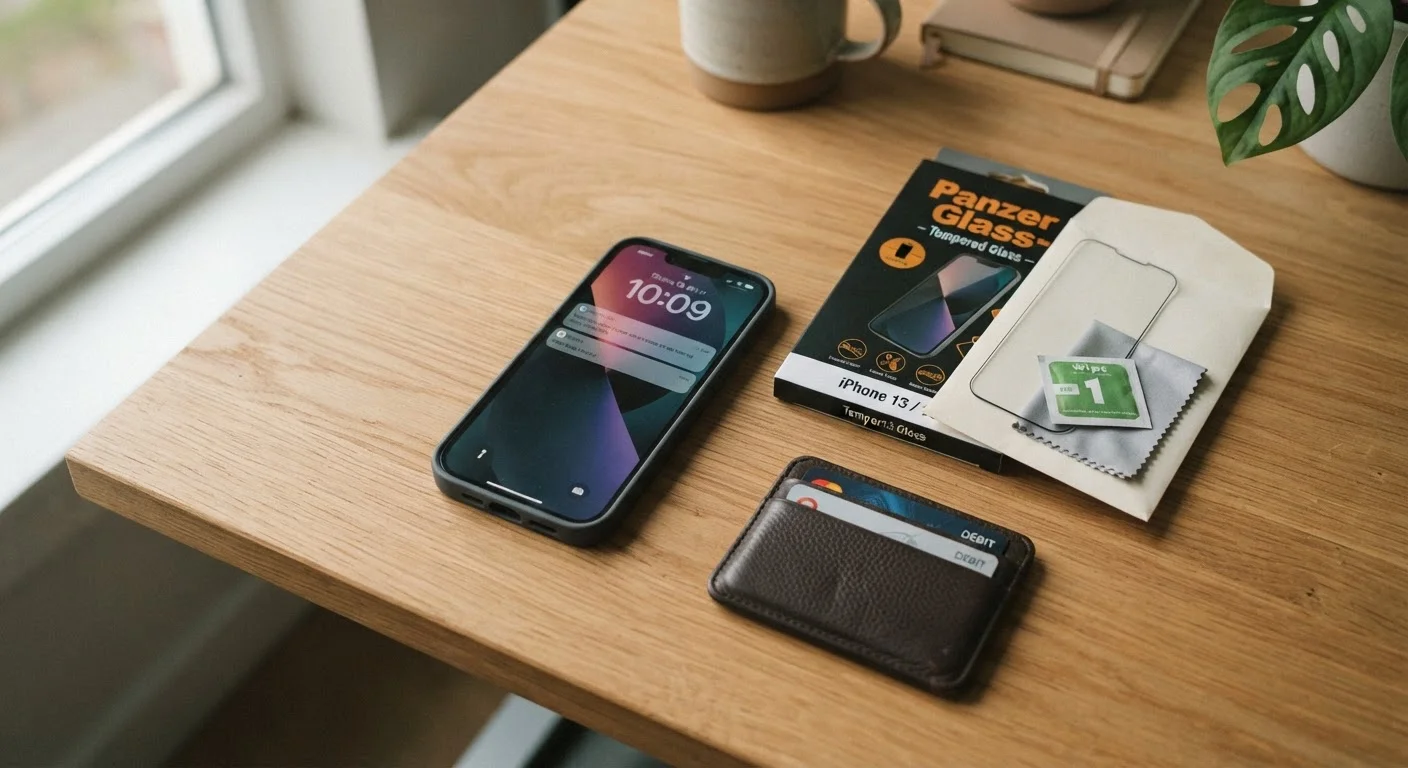
Screen protectors split into two categories that perform very differently. Tempered glass protectors are rigid, absorb impact energy, and can meaningfully prevent screen cracks in a drop. Thin plastic film protectors resist light scratches but offer little structural protection. If your goal is preventing a cracked display, tempered glass is the only type worth considering.
For people who want to understand what camera specs actually do - and don't do - our guide to smartphone camera specs separates real-world performance from marketing numbers.
Phone Insurance and Extended Warranties: Read the Fine Print
Carrier and third-party phone insurance plans typically cover accidental damage, loss, and theft - but nearly all require a deductible, and that deductible can be substantial (often $100 or more for a flagship device). Some plans replace your phone with a refurbished unit rather than a new one. Extended warranties, by contrast, usually cover manufacturer defects but exclude accidental damage entirely. These are not the same product.
Before paying for either, consider: your existing homeowner's or renter's insurance policy may already cover personal electronics against theft or loss, sometimes at lower cost. It's worth a quick call to your insurer to check before duplicating coverage.
Choose a case based on how and where you actually use your phone.
Someone who keeps their phone in a bag on a desk all day has different drop risk than someone who uses it on a job site or during outdoor activities. Buying the thickest case available when you don't need it adds unnecessary bulk; underprotecting a phone you use in risky environments costs more over time.
Install a tempered glass screen protector if screen cracks are your primary concern.
The display is typically the most expensive individual component to repair. Tempered glass absorbs and distributes impact energy in ways that thin plastic film cannot, and it can be replaced cheaply if it cracks - which is the point.
Audit your insurance or warranty coverage before adding a new plan.
Paying for overlapping coverage - carrier insurance plus a credit card purchase protection plan plus renter's insurance that already covers electronics - wastes money without adding protection. Understanding what you already have prevents duplication.
Verify that automatic backups are completing, not just enabled.
Backup features can be toggled on but silently fail due to storage limits, poor Wi-Fi connectivity, or account authentication issues. A backup that hasn't run in six months provides no protection for six months of data.
Factor in your phone's existing water resistance rating before buying waterproofing add-ons.
Many current smartphones already carry IP67 or IP68 ratings, which means they can handle splashes, rain, and brief submersion under everyday conditions. Paying extra for a waterproof case may be unnecessary for casual exposure.
The Protection Most People Actually Skip: Data Backup
No case, screen protector, or insurance plan restores the photos, contacts, and documents on a phone that's been lost, stolen, or suffers a hardware failure. Regular, automatic backups to a cloud service or a computer are the one form of protection that covers every failure mode - and most people either haven't set them up properly or haven't checked that they're actually running.
Check your phone's backup settings now, not when something goes wrong. Verify that backups are completing successfully, not just that the feature is switched on. For broader device security habits, our overview of overlooked privacy settings covers controls that also reduce your exposure if a phone is lost or compromised.
This article is for general informational purposes only. Product performance varies by manufacturer, usage conditions, and individual circumstances. Review any insurance or warranty policy's full terms before purchasing.
The content on this site is provided for informational purposes only and should not be considered a substitute for professional advice. While we strive to provide accurate and up-to-date information, we make no guarantees regarding its completeness or accuracy. Always consult a qualified professional for advice specific to your circumstances before making any decisions.