

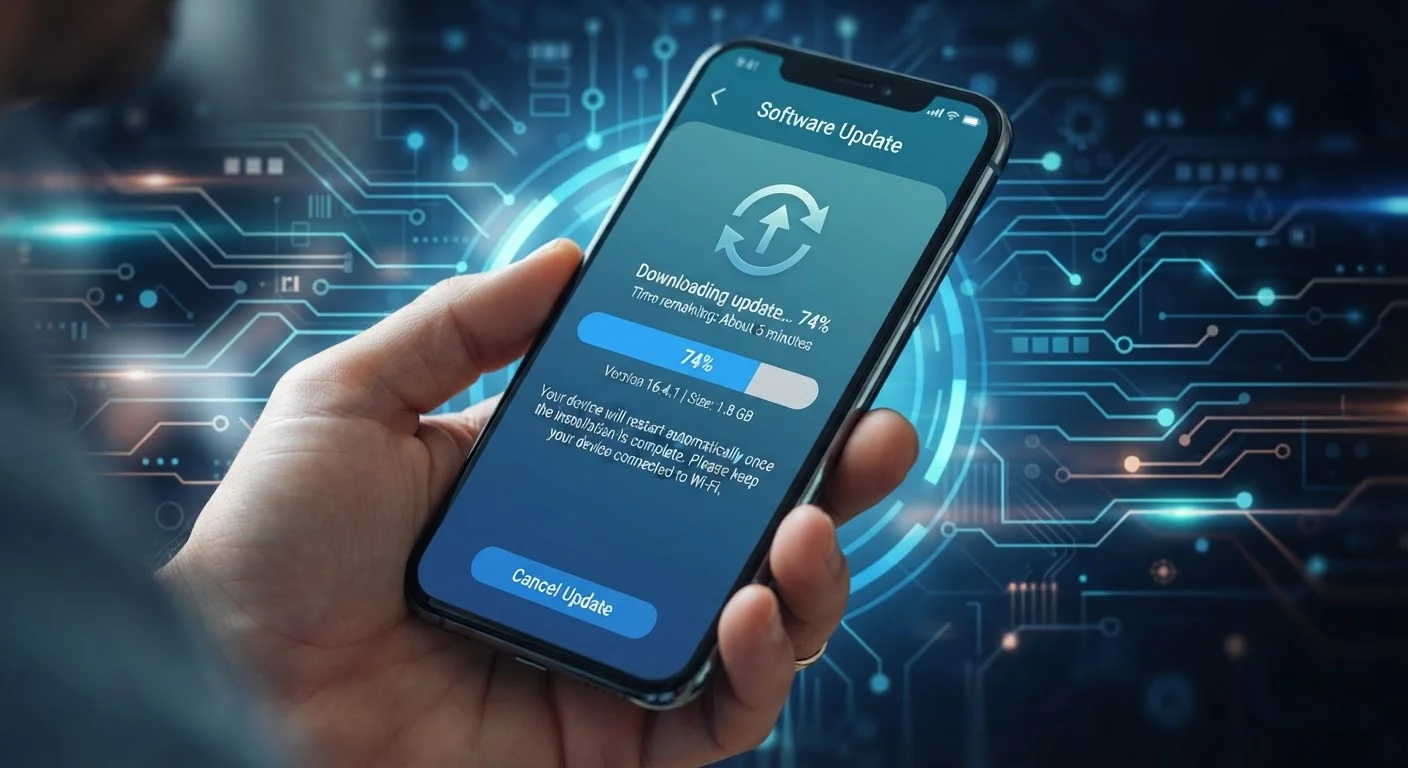
What a Software Update Actually Contains
When your phone prompts you to install an update, that package can contain one or more of three things: a major OS version upgrade (like moving from Android 13 to Android 14), a monthly or quarterly security patch, or a device-specific bug fix from the hardware manufacturer.
Security patches are the most critical. They fix known vulnerabilities - weaknesses in the software that attackers could exploit to access your data or take control of your device. These patches are released on a regular schedule and address threats discovered since the last update. Major OS upgrades, by contrast, bring new features and interface changes but arrive less frequently, typically once a year for most platforms.
Bug fixes and performance improvements round out the picture. These are often bundled with security patches and address issues specific to your phone model - things like camera misbehavior, battery drain quirks, or connectivity glitches.
Security Patches vs. OS Upgrades: Not the Same Thing
Many people assume that when major OS upgrades stop, all software support has ended - but that's not always accurate. Some manufacturers continue releasing monthly security patches for a period after a device's last major OS version upgrade. Check your manufacturer's published support policy to understand exactly what your device is still receiving and until when.
How Updates Reach Your Device - and Why It Differs by Platform
On an iPhone, Apple controls the entire chain from writing the software to delivering it to your device. That means when Apple releases an update, it reaches all supported iPhones at essentially the same time. This centralized model is a key reason iPhones tend to receive updates for longer stretches - Apple decides the support window for its own hardware.
Android is more fragmented. Google writes the core Android OS, but most Android phones run a customized version built by the device manufacturer (Samsung, Google Pixel, Motorola, and others). Each manufacturer must take Google's code, adapt it for their hardware and interface customizations, test it, and then push it to devices - sometimes further filtered through a mobile carrier. Each step in that chain adds time and a potential endpoint. See how Android and iOS approach updates differently in ways that affect your real-world experience as a user.
5-7 years
OS update commitment from some manufacturers
Several major manufacturers have extended their published support windows in recent years, though actual delivery varies by device tier and region.
~1 month
Typical delay for Android patches to reach devices
After Google publishes a security patch, manufacturer customization and carrier testing add weeks before most Android users receive it.
2-3 years
Historical average Android OS update support
Before recent policy shifts, most Android devices outside the flagship tier received major OS upgrades for roughly two to three years after launch.
Why Support Windows End
Device support ends for a mix of practical and business reasons. On the hardware side, older chips eventually reach a ceiling - newer OS versions may require more processing power, memory bandwidth, or specific hardware features (like a dedicated security chip) that older processors simply lack. Maintaining software for aging hardware also requires ongoing engineering investment that manufacturers weigh against return.
There's also a component support chain to consider. Qualcomm, MediaTek, and other chipmakers eventually stop releasing driver updates for older processors. Without updated drivers, the device manufacturer can't safely run a newer OS on that hardware, even if they wanted to. This is one reason Pixel phones - where Google designs both chip and OS - have been able to extend support windows in recent years.
It's worth understanding that a phone slowing down and a phone going unsupported are related but different phenomena. What actually causes phones to slow down often comes down to storage saturation and software bloat rather than the update lifecycle directly.
What It Means When Updates Stop
An unsupported phone doesn't break. Your apps, photos, and data remain intact, and the device continues doing everything it did before. What changes is your security posture: from that point forward, newly discovered vulnerabilities in your OS won't be patched.
The practical risk isn't uniform. Using an unsupported phone for mobile banking or storing sensitive credentials carries more risk than using it as a dedicated camera or media player disconnected from financial accounts. The risk also compounds over time - a phone that went unsupported last month carries far less accumulated risk than one that's been unsupported for two years.
App compatibility is a second concern. Developers set minimum OS requirements for their apps, and over time, apps you rely on may stop supporting older OS versions entirely - meaning you lose access to features or the app itself, regardless of how well the hardware still runs. Understanding phone specs before you buy can help you identify support window commitments early in the decision process.
Check Support Windows Before You Buy
Before purchasing any phone, look up the manufacturer's published update commitment - some now publish this clearly in their marketing materials. A device with a longer guaranteed support window costs more upfront but may deliver better value over its usable life. This is especially relevant if you plan to keep a phone for more than three years.
Frequently Asked Questions
The phone continues to work normally for everyday tasks. However, known security vulnerabilities will no longer be patched, which can expose your data to exploits. The practical risk depends on how you use the device and whether apps you rely on continue to support the older OS version.
This varies widely by manufacturer and platform. Support windows have been extending in recent years, with some manufacturers now committing to five to seven years. Historically, many Android devices received only two to three years of OS updates, while Apple has typically supported iPhones for five to six years.
It carries elevated risk, especially for activities like mobile banking or accessing sensitive accounts. The risk grows over time as more vulnerabilities accumulate. For lower-stakes uses like a media player on a home network, the risk is more contained.
In some cases, third-party operating systems (called custom ROMs on Android) can extend a device's software life, but this is a technically complex process that voids warranties and can cause instability. It is not recommended for everyday users without significant technical experience.
Not always. Some manufacturers continue delivering security patches after a device stops receiving new major OS versions. Check the manufacturer's published support policy for specific details about what continues and for how long.
Yes. App developers set minimum OS version requirements for their apps. Once your phone's OS is old enough, apps you depend on may stop updating or become unavailable entirely on your device.
The content on this site is provided for informational purposes only and should not be considered a substitute for professional advice. While we strive to provide accurate and up-to-date information, we make no guarantees regarding its completeness or accuracy. Always consult a qualified professional for advice specific to your circumstances before making any decisions.