

The Real Reasons Streaming Buffers
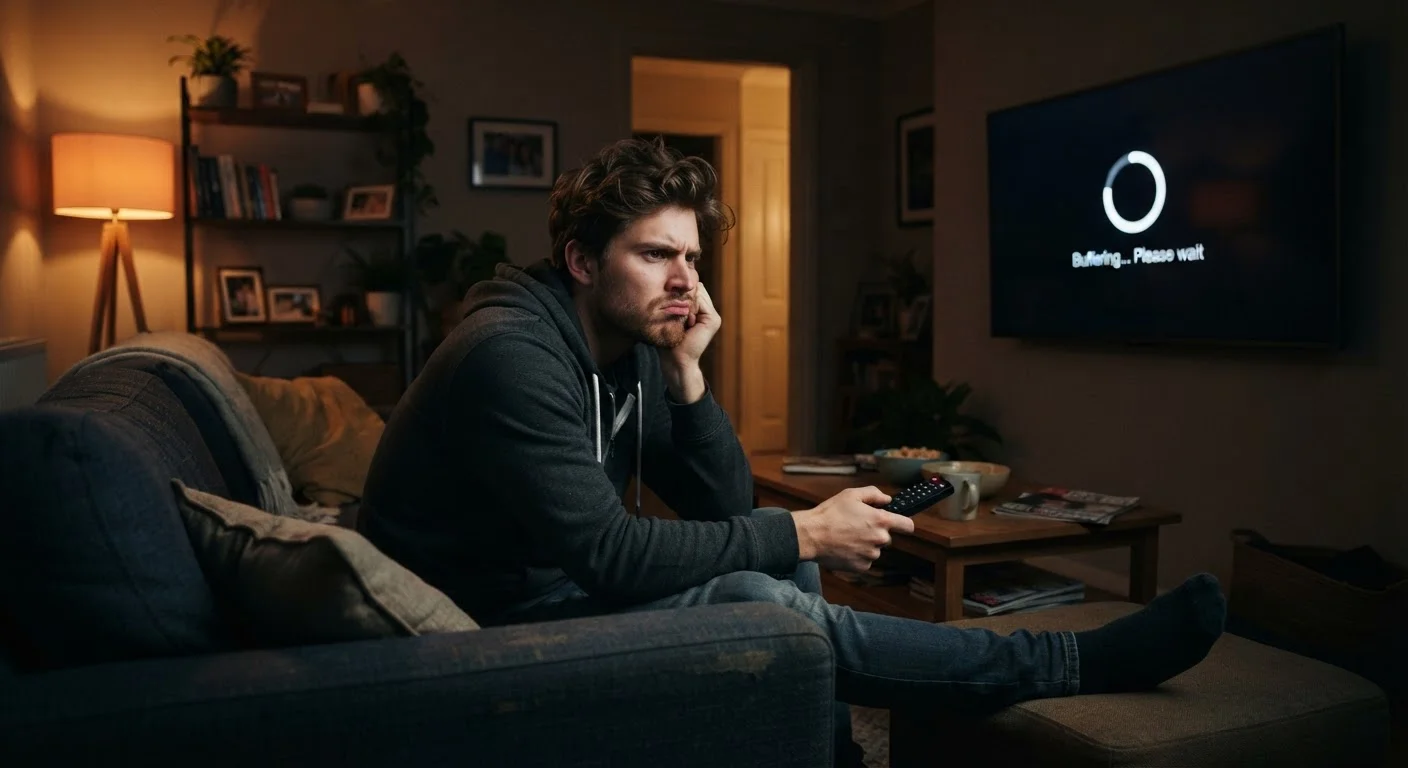
Buffering is one of the most common complaints in American households, yet it's routinely misdiagnosed. Most people assume the fix is upgrading to a faster internet plan - and while raw speed matters, it's rarely the whole story. The actual cause is almost always somewhere between your router and your TV screen.
Understanding the difference between bandwidth (how much data your connection can carry at once) and latency (how long it takes data to travel back and forth) matters here. A plan with high download speeds can still produce choppy playback if your router is overwhelmed, your Wi-Fi signal is weak, or your streaming device is running out of memory. For a broader look at how tech slowdowns work at a system level, see why computers slow down over time.
Below are the most common mistakes that lead to persistent buffering - and what you can actually do about each one.
Blaming your internet plan speed when local Wi-Fi congestion is the real problem.
Why it happens: Speed test results look fine on a phone near the router, so the ISP gets the blame. But the bottleneck is often between the router and the streaming device, not between the router and the internet.
Placing the router in a poor location that weakens signal to your TV or streaming stick.
Why it happens: Routers are often set up wherever the modem was installed - typically a utility closet, a corner bedroom, or inside a media cabinet - none of which are ideal for whole-home coverage.
Streaming 4K content on a connection or device that can't reliably sustain it.
Why it happens: 4K content typically requires 15-25 Mbps of stable throughput per stream. Households with multiple active users or devices often can't sustain that without contention - especially during evening peak hours.
Ignoring background apps and devices consuming bandwidth simultaneously.
Why it happens: Cloud backups, software updates, other streaming sessions, and smart home devices all share bandwidth invisibly. A gaming console downloading an update in another room can throttle everything else on the network.
Never restarting the router or streaming device, allowing memory and cache buildup.
Why it happens: Most routers and streaming sticks run continuously for weeks or months without a restart. Over time, memory fills, firmware processes bog down, and performance degrades quietly.
Network and Device Fixes That Make a Real Difference
Once you've identified the likely culprit, a few targeted changes tend to resolve most buffering problems without upgrading your service plan.
25 Mbps
Minimum speed for stable 4K streaming
Most major streaming platforms recommend at least 25 Mbps of consistent throughput for 4K Ultra HD playback on a single stream.
~70%
U.S. households streaming via Wi-Fi
Research from Parks Associates has consistently found that the large majority of American streaming households rely on wireless rather than wired connections to their TVs.
Router placement matters more than most people realize. A router tucked inside an entertainment cabinet, behind a TV, or in a basement corner can cut effective Wi-Fi range dramatically. Moving it to a central, elevated, open location - even just a few feet - often produces a noticeable improvement. If your streaming device is more than 30-40 feet from the router or separated by multiple walls, a wired connection is worth considering. The Wi-Fi vs. Ethernet comparison breaks down when that trade-off actually makes sense.
Restart your equipment regularly. Routers and streaming sticks accumulate temporary data in memory over days of continuous use. A simple power cycle - unplugging the router for 30 seconds, then your streaming device - clears that buildup. Many persistent buffering problems disappear after this one step.
Check your streaming quality settings. Most services default to automatic quality adjustment, but manually setting video to a lower resolution when your connection is under pressure can eliminate buffering entirely during peak hours. If unfamiliar terms like bitrate or 4K come up during this process, the streaming terms glossary is a useful quick reference.
Peak Hours Hit Everyone's Connection
Evening hours - roughly 7 to 11 p.m. - are when neighborhood internet usage peaks, and your actual available bandwidth can drop noticeably even if your plan speed hasn't changed. If buffering only happens in the evening, this is the most likely explanation. Switching to a lower stream quality during those windows is the most reliable workaround.
If you've worked through these steps and the problem persists on every device and service, contact your internet provider. Consistent buffering across all conditions can indicate a line issue or infrastructure problem on their end - something no amount of router repositioning will fix.
The content on this site is provided for informational purposes only and should not be considered a substitute for professional advice. While we strive to provide accurate and up-to-date information, we make no guarantees regarding its completeness or accuracy. Always consult a qualified professional for advice specific to your circumstances before making any decisions.