

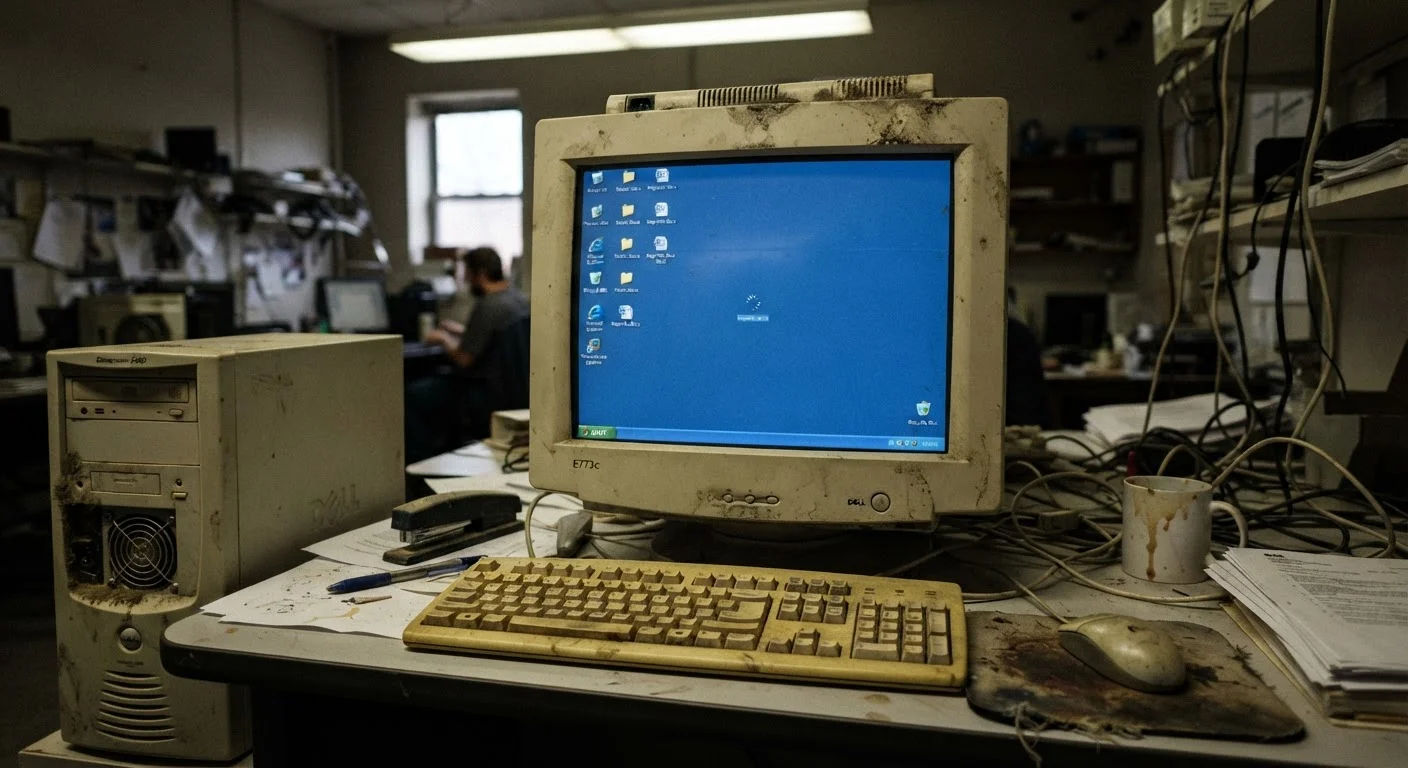
Software Gets Heavier - Hardware Stays the Same
The single biggest driver of perceived slowdown isn't hardware deterioration - it's software inflation. Operating systems grow with each major update. Apps that once ran lean now bundle cloud sync clients, background updaters, and analytics services. Web browsers alone routinely consume gigabytes of RAM handling modern sites loaded with scripts and video.
Your computer's physical components haven't changed, but what you're asking them to do keeps expanding. A machine that handled everyday tasks comfortably a few years ago may now be operating closer to its limits on a routine Tuesday morning - before you've opened anything manually.
This dynamic affects phones too. See how it plays out differently in our article on why phones slow down over time.
~90%
Of slowdowns attributable to software, not hardware failure
Industry technicians commonly report that the vast majority of perceived performance issues in aging consumer PCs stem from software accumulation and storage problems rather than hardware failure.
8 GB
Minimum RAM for comfortable modern multitasking
Most current operating systems and productivity applications are designed with at least 8GB of RAM as a baseline assumption for smooth, responsive performance.
~85°C
Temperature threshold where CPU throttling typically begins
Consumer processors generally begin reducing clock speeds automatically when temperatures approach or exceed roughly 85°C to prevent thermal damage - a process triggered by poor airflow and dust buildup.
Storage Strain and Startup Bloat
A drive that's nearly full is a performance drag. Traditional hard disk drives (HDDs) - the spinning-platter type found in older or budget machines - rely on free space to write temporary files and manage fragmentation. When that space disappears, read and write operations slow to a crawl. Solid-state drives (SSDs) handle fullness more gracefully but still benefit from having breathing room.
Startup programs are a quieter but equally common culprit. Every time you install software, there's a good chance it has added itself to your system's startup list. Over years of installs, that list can grow to dozens of processes all competing for memory and processor time before you've opened a single app yourself. The machine feels sluggish from the moment you log in - and many users assume that's just how old computers behave.
Check Your Startup Programs
On Windows, open Task Manager (Ctrl + Shift + Esc), navigate to the Startup tab, and review what's set to launch at boot. Disabling programs you don't need immediately at startup is one of the lowest-risk, highest-impact adjustments you can make to improve daily responsiveness. On a Mac, check System Settings > General > Login Items for an equivalent view.
Heat, Dust, and Thermal Throttling
Inside every computer is a cooling system - fans and heat pipes - designed to keep the processor running within a safe temperature range. Dust accumulates in vents and on fan blades over time, restricting airflow and trapping heat. When a processor gets too hot, it automatically reduces its own clock speed to avoid damage. This is called thermal throttling, and it's a direct, measurable cause of slowdown that has nothing to do with software.
A laptop that once ran silently and cool but now runs its fans constantly - or feels hot to the touch during light tasks - may be throttling regularly without any error messages telling you so. Dust is frequently the cause, and it's often addressable.
For practical habits that help prevent these issues from building up, our guide on keeping a laptop running well for years covers maintenance routines worth building.
When the Hardware Gap Becomes Real
There's a point where software demands genuinely outpace what older hardware can deliver - no amount of cleanup will fully close that gap. Processors from a decade ago weren't designed with today's multitasking assumptions. Video calls, browser-based productivity tools, and background cloud services all carry overhead that compounds on constrained hardware.
RAM is often the clearest pinch point. Most tasks today assume at least 8GB of available memory. Machines shipped with 4GB may now be constantly swapping data to disk (a slow fallback called virtual memory or paging), which produces the characteristic stuttering and lag many users associate with an "old" computer.
It's worth separating fixable software causes from genuine hardware limits before deciding to replace a machine. Many slowdowns that feel terminal are actually addressable. For a broader look at what's fact and what's myth in this space, common PC myths worth rethinking is a useful companion read.
A five-year-old laptop takes four minutes to fully boot and open a browser, when it once took under a minute.
A desktop that handled video editing smoothly now stutters during 1080p playback.
A family member's laptop runs slowly right after a major Windows update.
A work laptop feels fine when first powered on in the morning but slows noticeably after two hours of use.
Frequently Asked Questions
The hardware itself doesn't degrade dramatically under normal use. What changes is the software environment around it - heavier apps, larger update packages, and more background processes competing for the same resources the machine has always had.
Traditional hard disk drives need free space to write temporary files and move data efficiently. When a drive is nearly full, the system struggles to find contiguous space, fragmenting files and slowing read/write operations. SSDs are less affected but still perform better with headroom to spare.
Yes. Malware and adware often run silently in the background, consuming CPU cycles and memory. If a machine slows down suddenly without a clear cause, a malware scan is a reasonable early step.
Major updates often install new background services, expand system requirements, and modify how the OS allocates resources. Older hardware may also need more time post-update as it indexes new files and completes background maintenance tasks.
It can, if RAM is the actual bottleneck. If a computer is running out of physical memory and relying on slow virtual memory (paging to disk), adding RAM can produce a noticeable improvement. But if the CPU or storage is the constraint, more RAM won't help much.
Generally yes. Many apps add themselves to startup without asking, and each one consumes a slice of memory and CPU at boot. Reducing unnecessary startup programs is one of the more direct ways to improve day-to-day responsiveness.
The content on this site is provided for informational purposes only and should not be considered a substitute for professional advice. While we strive to provide accurate and up-to-date information, we make no guarantees regarding its completeness or accuracy. Always consult a qualified professional for advice specific to your circumstances before making any decisions.