

Summary
22 items · 20-40 minutes
Why a Checklist Matters for Used Phones
Buying a used smartphone can mean real savings compared to full retail price - but unlike a new device, it comes with an unknown history. Previous owners may have dropped it, repaired it with third-party parts, or left it locked to a carrier or account. Without a methodical inspection, these problems are easy to miss until you're already home.
The good news is that most issues are detectable in under half an hour if you know what to look for. This checklist walks you through every layer - from the device's identity and legal status, to its hardware, software, and battery condition. Think of it like the due diligence you'd do before making any significant purchase. Just as you'd run through the key questions before a used car test drive, a used phone deserves a structured walkthrough before money changes hands.
IMEI checker website
Verify a phone's IMEI against databases of reported stolen, blacklisted, or carrier-locked devices.
SIM card (your carrier's)
Test whether the phone accepts your carrier's SIM and can make and receive calls.
Flashlight or bright lamp
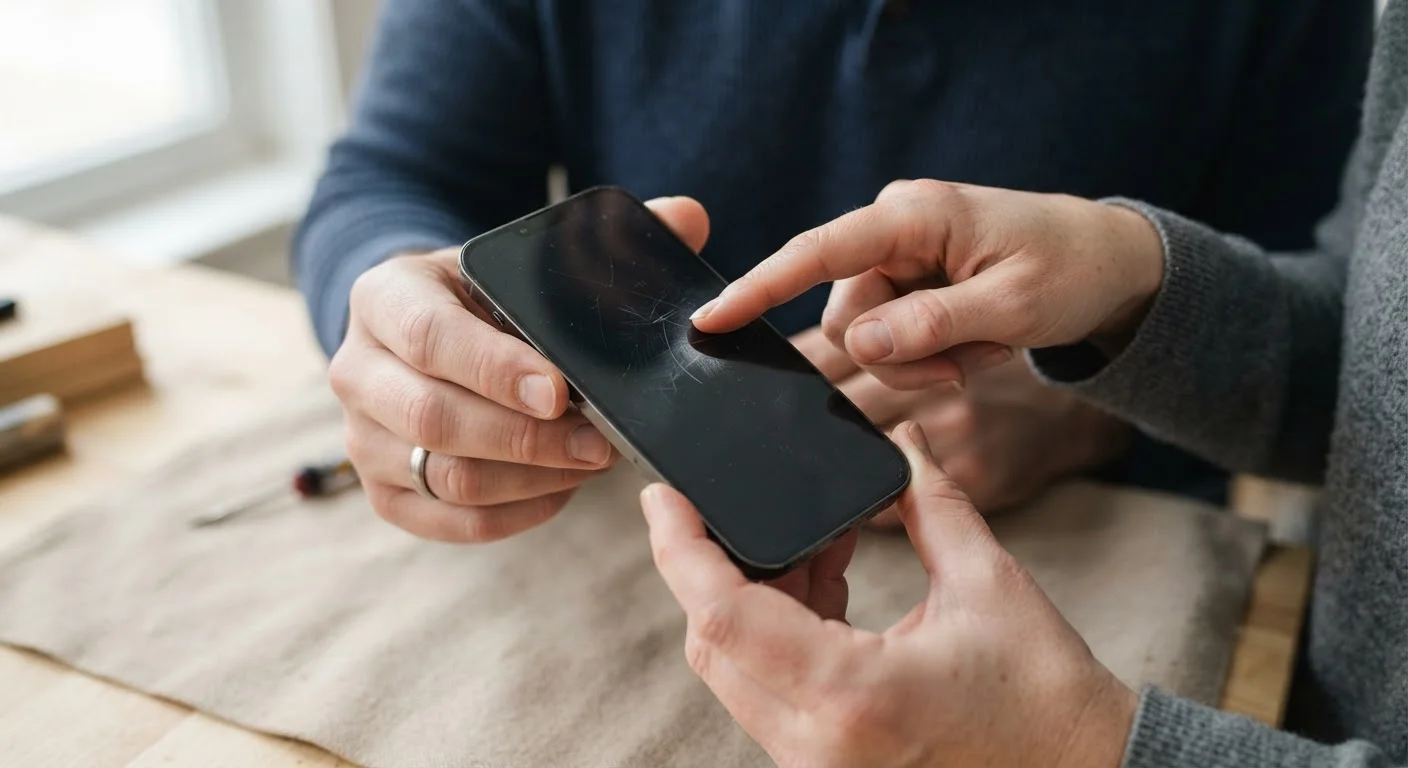
Illuminate the screen at an angle to spot micro-cracks, dead pixels, or screen burn not visible in normal light.
Pair of headphones with a 3.5mm plug (if applicable)
Check that the headphone jack functions correctly, if the device has one.
Charging cable and adapter
Confirm the charging port works and the phone actually charges before you leave.
The Full Inspection Checklist
Work through these groups in order. The first two sections cover items you can often verify remotely before you meet a seller in person. The rest require the phone to be in your hands.
Identity & Legal Status
Physical Condition
Hardware & Core Functions
Software & Battery
Never Skip the Activation Lock Check
An activation lock (Apple's is called Activation Lock; Google's equivalent is part of Find My Device) ties a phone to the previous owner's account. If the seller hands over a device still linked to their account, you may be unable to set it up at all - even after a factory reset. Always confirm the device reaches the home screen without requiring the seller's login, and verify this yourself in person before completing the transaction.
What to Do After You Buy
Once you're satisfied the device passes inspection and you've completed the purchase, a few immediate steps protect your investment. Perform a factory reset if the seller hasn't already, then set up the phone fresh with your own accounts. This removes any leftover data or apps from the previous owner.
Consider how you'll protect the device going forward. Cases, screen protectors, and insurance each cover different risks - it's worth understanding what each actually does before spending money on protection. A cracked screen on a used phone can sometimes cost more to repair than the phone itself, so physical protection on day one is a reasonable priority.
Finally, verify the phone receives current software updates from the manufacturer. Older models are sometimes no longer supported, which affects security over time. If the model you bought is approaching end-of-support, factor that into how long you expect to use it.
The content on this site is provided for informational purposes only and should not be considered a substitute for professional advice. While we strive to provide accurate and up-to-date information, we make no guarantees regarding its completeness or accuracy. Always consult a qualified professional for advice specific to your circumstances before making any decisions.