

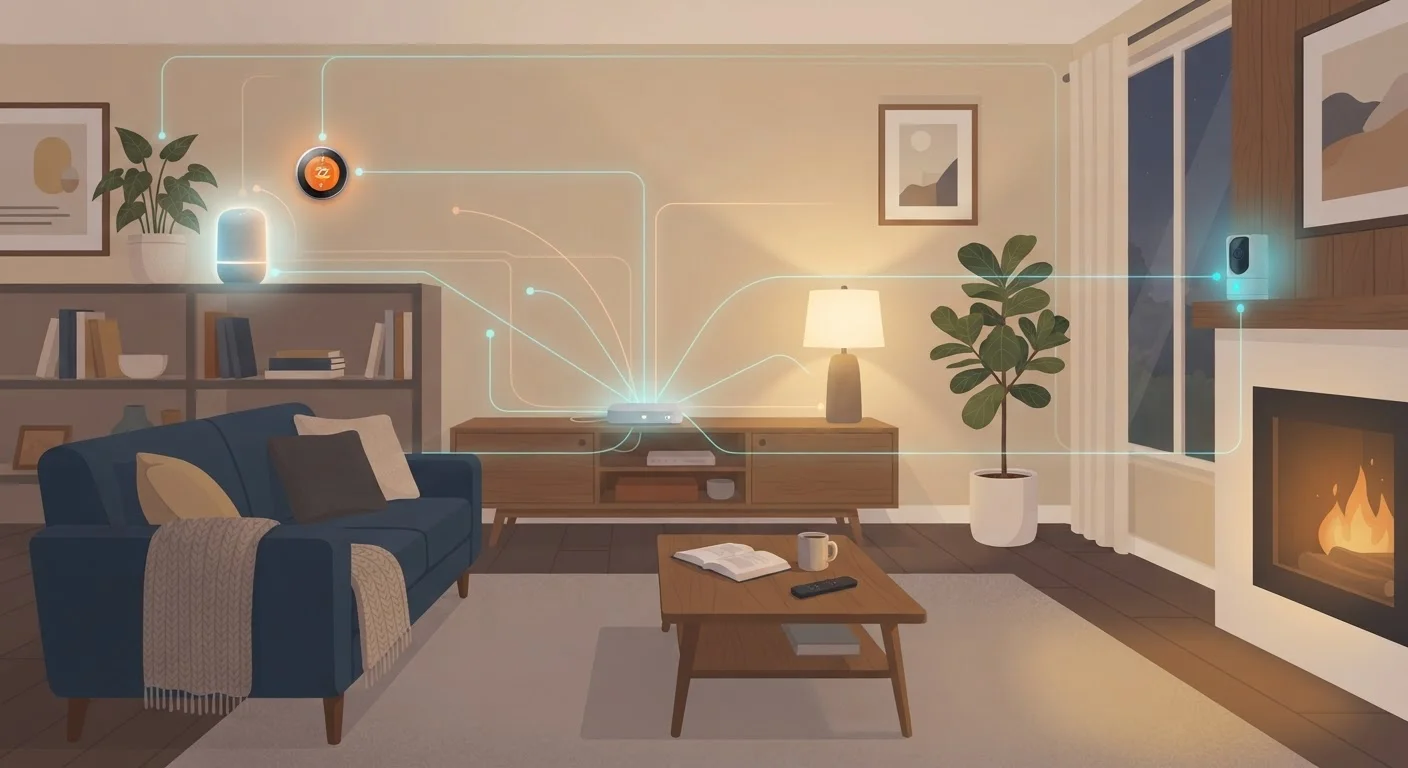
Why Smart Devices Change Your Home's Security Picture
A traditional home network mostly meant a laptop, a phone, and maybe a gaming console. Today, the average connected household runs a dozen or more devices - smart TVs, video doorbells, thermostats, voice assistants, and more. Each one is a small computer with its own software, and each one connects to your router.
That matters because most smart devices aren't built with the same security scrutiny as your laptop. Manufacturers often prioritize ease of setup over hardening. This doesn't mean smart gadgets are inherently dangerous, but it does mean your network habits carry more weight than they used to. For a closer look at what data these devices actually send, see what data smart home gadgets actually collect.
Isolate smart devices on a separate network segment
If a smart device is compromised, keeping it on its own network - often called a guest network or IoT VLAN - limits what an attacker can reach. Your laptop and phone stay protected even if a smart bulb's firmware has a flaw.
Replace default usernames and passwords on every new device
Default credentials for routers and smart devices are publicly documented and among the first things automated attacks try. Changing them immediately removes the easiest entry point.
Keep device firmware and router software updated
Manufacturers release firmware updates specifically to patch discovered security vulnerabilities. Running outdated firmware means leaving known holes open - often ones that attackers are already exploiting.
Use a strong, unique password for your Wi-Fi network
Your Wi-Fi password is the first line of defense for everything connected to it. A weak or reused password makes it easier for someone nearby to gain access to your entire network.
Disable features and services you don't actively use
Every enabled feature is a potential attack surface. Remote access, UPnP, and unused cloud integration options all expand exposure without adding value if you're not using them.
Core Practices That Make a Real Difference
Security improvements don't require technical expertise - most of these steps live inside menus you already have access to. The key is knowing which ones actually reduce risk versus which ones just feel productive.
Router Settings That Deserve Your Attention
Your router is the gateway for every device in your home. Its settings have an outsized effect on overall network security, yet many households leave it configured exactly as it arrived from the factory.
Finding Your Router's Admin Panel
The address to access your router's settings is usually printed on a label on the device itself, or listed in its setup guide. Common addresses include 192.168.1.1 and 192.168.0.1 - type these directly into a browser while connected to your home network. Your router manufacturer's website will have specific instructions if you can't locate the login credentials.
Start by logging into your router's admin interface - typically accessed through a browser using an address like 192.168.1.1. Check whether remote management is enabled; unless you have a specific reason for it, turn it off. Look for UPnP (Universal Plug and Play) - a feature that allows devices to automatically open ports in your firewall. It's convenient but can be exploited. Disabling it rarely affects everyday use.
Wi-Fi encryption is another critical setting. WPA3 is the current standard; WPA2 is still acceptable. If your router is only offering WEP or WPA (without the 2), your network encryption is outdated and should be updated - which may mean replacing older hardware. For a broader look at router performance and setup tradeoffs, compare mesh networks and traditional routers to understand what fits your home.
~15+
Average connected devices per U.S. household
Industry research consistently estimates American homes now run more than a dozen internet-connected devices, a figure that has roughly tripled over the past decade.
Many months
Time attackers may go undetected on home networks
Security researchers have noted that unauthorized access to home networks often goes undetected for extended periods because most consumers don't regularly audit connected devices.
Building Habits That Stick
One-time setup steps matter, but ongoing habits are what keep a network secure as your device collection grows and vulnerabilities evolve. Treat your smart home like any other system that needs occasional maintenance.
Set a calendar reminder every few months to log into your router, check for firmware updates, and review which devices are connected. If you see something you don't recognize, investigate before assuming it's harmless. Most routers show a connected device list by name or MAC address.
When you add new devices, make credential changes and network assignment part of your standard setup routine - not an afterthought. The same disciplined thinking applies to your broader digital life: building computer security habits from day one covers practices that complement what you're doing at the network level.
This article is for informational purposes only. Security landscapes evolve, and no set of practices can guarantee complete protection. When in doubt about specific vulnerabilities or network configurations, consult a qualified IT professional.
The content on this site is provided for informational purposes only and should not be considered a substitute for professional advice. While we strive to provide accurate and up-to-date information, we make no guarantees regarding its completeness or accuracy. Always consult a qualified professional for advice specific to your circumstances before making any decisions.