

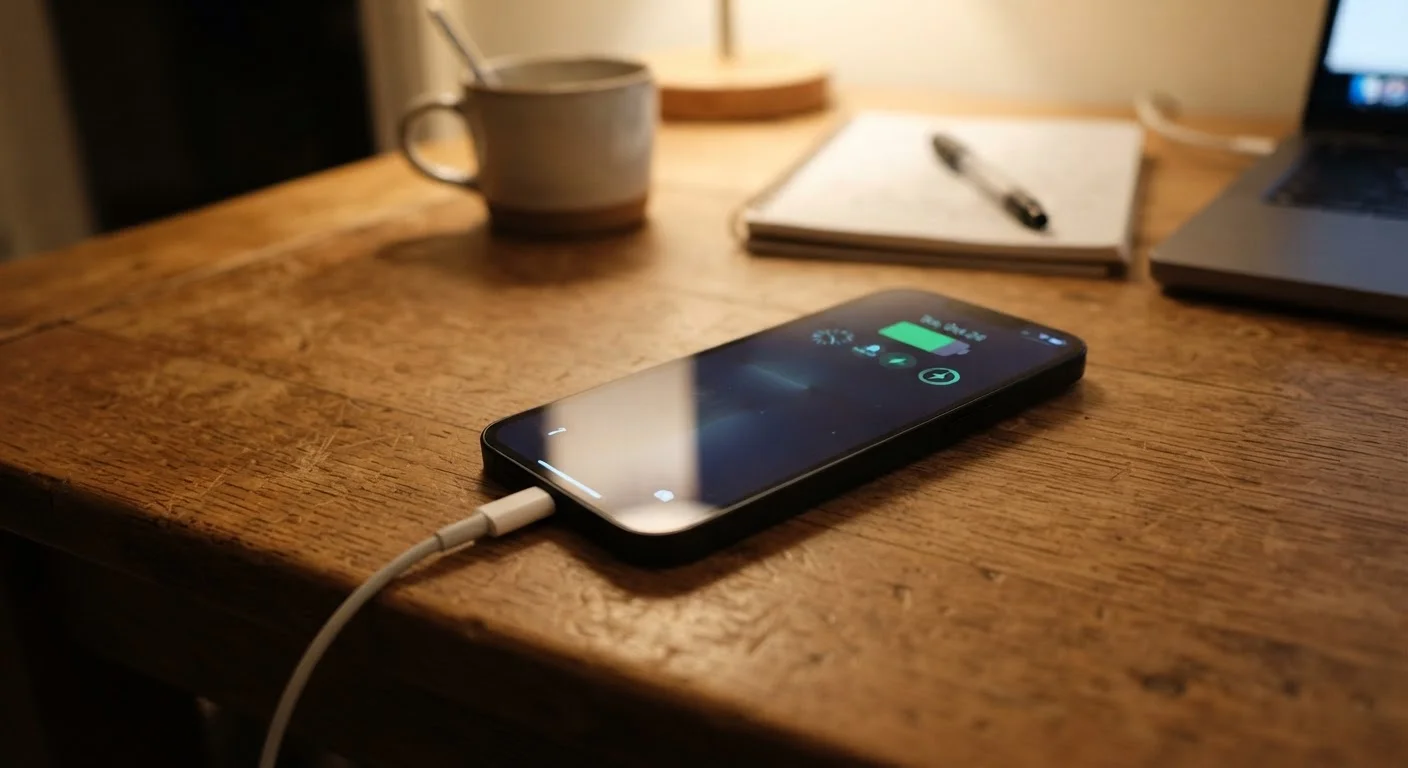
What's Actually Happening Inside Your Battery
Every lithium-ion battery works by moving lithium ions between two electrodes - a graphite anode and a metal-oxide cathode - through a liquid electrolyte. Each charge and discharge cycle causes microscopic physical changes to those electrodes. Over hundreds of cycles, those changes accumulate: the electrodes crack slightly, the electrolyte breaks down, and the battery's ability to hold a charge shrinks. This is normal chemistry, not a defect.
What's not inevitable, though, is how quickly that degradation happens. Two people with identical phones can end up with dramatically different battery health after two years, purely based on how they charged and stored their devices. The habits outlined below are the ones that push degradation well ahead of schedule.
If you've noticed your phone slowing down alongside the battery decline, those issues are often connected - see why your phone slows down over time for more on that relationship.
The Habits That Accelerate Battery Wear
Understanding the specific behaviors that stress lithium-ion cells makes the fixes obvious. None of these require major lifestyle changes - they're mostly small adjustments to routines most people already have.
Charging your phone to 100% every night and keeping it there.
Why it happens: Full charges feel reassuring, and overnight charging is convenient. Most people assume 'full' is always better.
Regularly draining the battery all the way to 0% before charging.
Why it happens: Older nickel-cadmium batteries required full discharge cycles to prevent 'memory effect.' That advice stuck around long after battery chemistry changed.
Charging in hot environments - a parked car, direct sunlight, or a warm pocket.
Why it happens: People charge wherever they happen to be without thinking about ambient temperature, and the damage is invisible until months later.
Using fast charging constantly, even when there's no time pressure.
Why it happens: Fast charging feels like a straight upgrade - why charge slowly if you can charge quickly? Most chargers that ship with phones are also fast chargers by default.
Ignoring software-based battery health tools built into the operating system.
Why it happens: These settings are buried in menus and not prominently advertised, so many users never know they exist.
Heat Is the Primary Battery Killer
Sustained heat - from a hot car, direct sunlight, or a case that traps warmth during fast charging - causes irreversible chemical damage to lithium-ion cells. This is not a gradual wear issue; even occasional high-heat charging events can permanently reduce capacity. If your phone feels uncomfortably hot while charging, remove the case and move it somewhere cooler.
For context on how these principles apply to other devices, laptop battery degradation follows similar chemistry with a few key differences worth understanding.
What You Can Realistically Expect
~20%
Typical capacity loss after 500 full charge cycles
Battery manufacturers commonly rate lithium-ion cells to retain around 80% of original capacity after 500 complete charge cycles under normal conditions.
35°C
Temperature threshold for accelerated battery degradation
Apple's published guidance, consistent with general lithium-ion research, identifies sustained temperatures above 35°C (95°F) as harmful to long-term battery capacity.
2-3 years
Typical timeframe before noticeable capacity decline
Most smartphone users begin noticing meaningful battery life reduction within two to three years of regular daily use, depending on charging habits and climate.
No habit change will make a battery last forever, and manufacturers design phones expecting some degradation over a two-to-three-year ownership window. The goal isn't perfection - it's avoiding the habits that cut that window significantly shorter than it needs to be.
Overnight Charging Isn't Always Safe
Many modern phones include charge-limiting software that slows or pauses charging near 100%, but this feature varies by manufacturer and model - and it doesn't protect against heat buildup. Charging under a pillow, in a closed drawer, or with a thick case overnight creates thermal risk even if the charge level itself is managed. Keep charging phones on a hard, ventilated surface.
When battery health does drop below roughly 80% of original capacity, performance throttling and shorter screen-on time become noticeable for most users. At that point, battery replacement is a practical option on many devices - often far cheaper than a new phone. If you're also managing aging hardware on a laptop, the same principle applies: keeping a laptop running well for years covers similar longevity strategies for that device.
The content on this site is provided for informational purposes only and should not be considered a substitute for professional advice. While we strive to provide accurate and up-to-date information, we make no guarantees regarding its completeness or accuracy. Always consult a qualified professional for advice specific to your circumstances before making any decisions.