

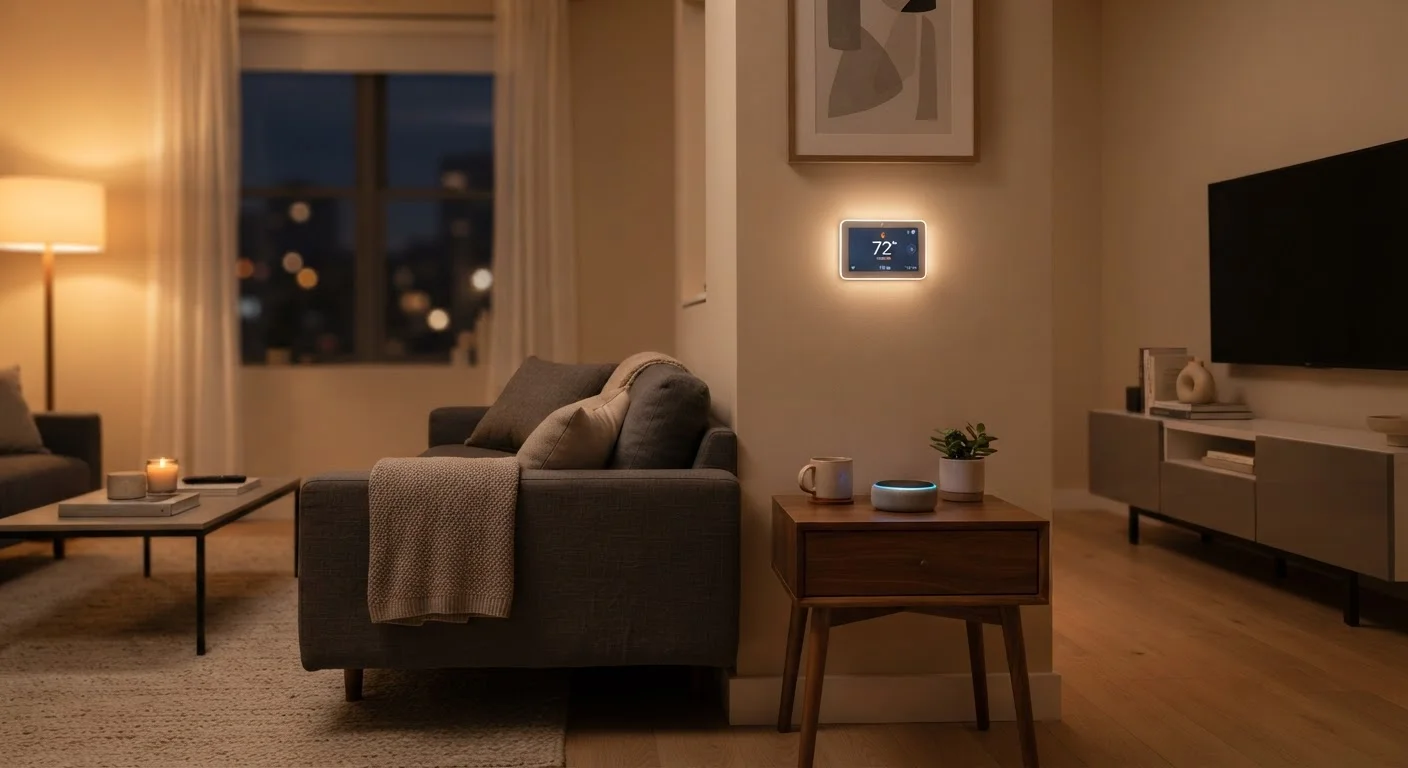
The Core Idea: Your Home Responds to You
Strip away the marketing language and a smart home is straightforward: it's a living space where devices are connected to the internet and can be controlled, monitored, or automated - often from a smartphone or a voice command.
A single smart light bulb you control with an app technically makes part of your home 'smart.' So does a thermostat that learns your schedule, a lock that lets you admit a delivery driver remotely, or a plug that cuts power to a device on a timer. There's no threshold you have to cross. Smart home is a spectrum, not a certification.
What ties these devices together is connectivity. They send and receive data - to your phone, to each other, and to cloud servers - so they can act on instructions or conditions you set in advance.
~70%
U.S. adults familiar with smart home devices
Surveys consistently show broad awareness of smart home technology among American adults, though active adoption rates vary significantly by household income and age group.
1 in 3
U.S. homes with at least one smart speaker
According to Pew Research Center data, roughly a third of American adults report owning a smart speaker, making it one of the most common entry points into smart home technology.
Matter
Industry-wide interoperability standard
Backed by major platform operators and hundreds of device manufacturers, the Matter standard was developed by the Connectivity Standards Alliance to reduce fragmentation across smart home ecosystems.
What Actually Makes a Device 'Smart'
Three things separate a smart device from a regular one:
- Internet connectivity - the device can be reached and controlled remotely, not just in the room where it sits.
- Data awareness - it gathers information from sensors (temperature, motion, light levels, door position) and can act on that data.
- Interoperability - most smart devices are designed to work with a platform or ecosystem so they can coordinate with other devices in your home.
A regular thermostat responds when you turn a dial. A smart thermostat notices you left the house, checks that no one is scheduled to return for hours, and adjusts the temperature automatically - then notifies you on your phone. That shift from manual response to contextual awareness is the practical definition of 'smart.' To understand how those scheduling and learning features work in practice, see our explainer on smart thermostat scheduling and learning modes.
How Smart Devices Communicate
Most households will encounter three main ways smart devices talk to each other and to the internet:
- Wi-Fi - the same network your laptop uses. Easy to set up, widely supported, but can strain crowded networks when you have many devices.
- Bluetooth - short-range, low-power, works well for devices that stay close to your phone or a hub.
- Zigbee and Z-Wave - low-power mesh protocols designed specifically for smart home devices. They're reliable and efficient, but typically require a compatible hub to connect to your broader network.
A newer industry standard called Matter is designed to make devices from different brands work together more reliably, regardless of which underlying protocol they use. It's still rolling out across the industry, but it's worth knowing about if compatibility is a priority for you. For a more detailed look at how platforms and protocols affect your setup, the article on getting smart home devices to work together covers the practical side.
Start With One Problem to Solve
Rather than planning a whole-home smart setup from the start, pick a single friction point in your daily routine - lights you forget to turn off, a thermostat you're constantly adjusting, a door you're unsure you locked. Solving that one thing with a connected device is the most effective way to understand what smart home technology can and can't do for you before committing further.
Ecosystems, Platforms, and the Role of Voice Assistants
Most smart home devices are designed to work within a larger ecosystem - a software platform that acts as the central hub for controlling and automating your devices. The major platforms each have their own apps, voice assistants, and compatible device lists.
Voice assistants serve as the conversational interface: you speak a command, the assistant interprets it, and the relevant device responds. The assistant runs on a cloud server, which means commands typically travel from your device to the internet and back - a round trip that usually takes under a second but does require an active connection.
Your smartphone is the other primary control point. Most smart home apps let you set schedules, create automation rules, and check device status from anywhere with cell service or Wi-Fi. If you're curious about what data those apps and devices are actually collecting in the process, see our breakdown of what data connected home devices collect.
A homeowner sets a schedule so the porch light turns on at sunset and off at midnight every day - no manual switching required.
A renter installs a smart plug into an existing outlet so their space heater turns off automatically if they forget before leaving for work.
A family uses a motion-sensing camera at their front door that sends an alert to their phones whenever someone approaches, and lets them speak to a visitor through the camera's speaker.
A smart thermostat detects that the household's phones have all left the home's geographic area and shifts to an energy-saving temperature mode automatically.
Frequently Asked Questions
Not necessarily. Many modern smart devices connect directly to your home's Wi-Fi router without needing a dedicated hub. However, some protocols like Zigbee and Z-Wave do require a hub to bridge those devices to the internet. A hub can also improve reliability and allow more complex automations.
Most smart home devices use very little bandwidth individually, so a standard broadband connection is sufficient for typical setups. Video cameras and video doorbells are the exception - streaming HD video continuously does require more bandwidth. The bigger factor is router quality and Wi-Fi coverage throughout your home.
Some devices retain limited local functionality if your internet goes down - a smart lock may still recognize a PIN code, for example. But most cloud-dependent features, remote control, and voice assistant commands require an active internet connection to work.
Connected devices do introduce privacy and security considerations. They collect varying amounts of data, and poorly secured devices can be vulnerable on your network. Using strong passwords, keeping firmware updated, and placing smart devices on a separate network segment are practical ways to reduce risk. See our <a href="/tech-gadgets/smart-home-streaming/keeping-your-smart-home-secure-network-habits-that-reduce-real-risk">guide to smart home network security</a> for specifics.
A smart device is internet-connected and can be remotely controlled or monitored. Automation goes a step further - it means the device takes action on its own based on triggers like time, location, or sensor readings, without you having to initiate it each time.
Yes. Many smart home upgrades require no wiring changes at all - smart plugs, portable speakers, Wi-Fi cameras, and even some renter-friendly smart locks can be installed and removed without altering the unit. For more detail, see our article on <a href="/tech-gadgets/smart-home-streaming/smart-home-automation-for-renters-whats-possible-without-modifying-your-unit">smart home options for renters</a>.
The content on this site is provided for informational purposes only and should not be considered a substitute for professional advice. While we strive to provide accurate and up-to-date information, we make no guarantees regarding its completeness or accuracy. Always consult a qualified professional for advice specific to your circumstances before making any decisions.