

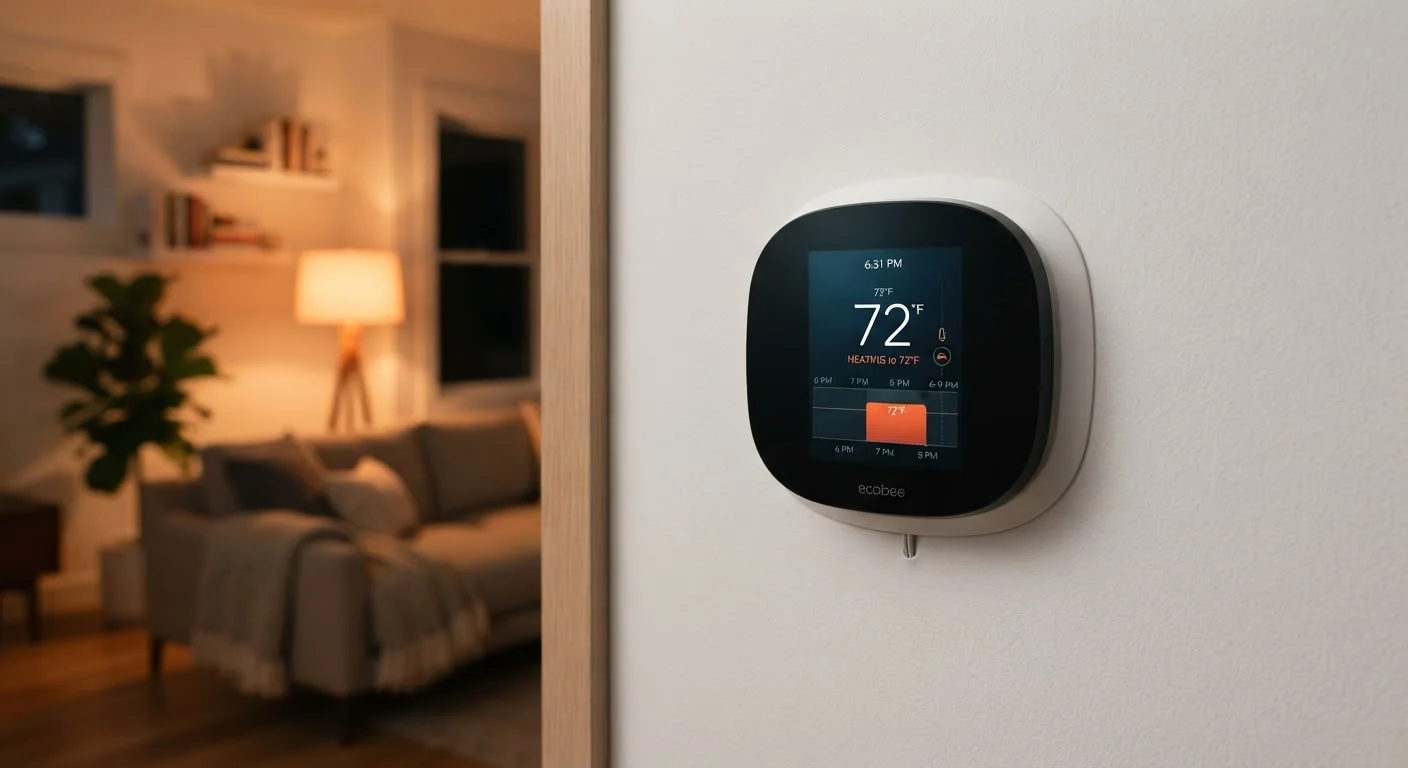
The Two Modes Explained: Scheduling vs. Learning
Most smart thermostats operate in one of two primary modes — or a blend of both. Understanding the difference helps you decide how to set yours up and what to realistically expect from it.
Scheduling mode works essentially like a more flexible version of an old programmable thermostat, but with an app. You define specific time blocks across the week — say, 68°F on weekday mornings from 6–8 a.m., 62°F during the day while you're at work, 70°F in the evenings, and 65°F overnight. The thermostat follows that timetable precisely. It won't deviate unless you manually override it or edit the schedule. This mode is straightforward, predictable, and works well for households with consistent weekday and weekend routines.
Learning mode removes the need to program anything upfront. The thermostat watches how you actually adjust the temperature throughout the day and gradually builds a schedule based on those observed patterns. If you always turn it up at 7 a.m. and back down at 10 p.m., it starts doing that automatically within a couple of weeks. The appeal is convenience — but it assumes your behavior is regular enough to be useful as a template.
Not All Smart Thermostats Have Both Modes
Learning mode is a feature of specific models — it's not universal across all smart thermostats. Many well-regarded devices offer only app-based scheduling without any adaptive learning. Check the feature list of any thermostat you're considering carefully, since "smart" on a product label doesn't automatically mean it learns your habits.
What Learning Mode Actually Detects (and What It Misses)
Learning algorithms in smart thermostats primarily track two signals: when you physically adjust the temperature, and — on models with built-in occupancy sensors — whether anyone is home. Some models also pull in local weather data to pre-condition your home before outdoor temperatures peak.
What these systems don't do is understand why you made an adjustment. If you turned the heat up one Tuesday because you were sick at home, the thermostat treats that as useful data, not an outlier. Irregular schedules — shift workers, households with varying routines, frequent travel — can confuse a learning system and produce a schedule that doesn't fit anyone's life well.
~10%
Potential heating/cooling savings from setback scheduling
The U.S. Department of Energy estimates you can save roughly 10% per year on heating and cooling by turning your thermostat back 7–10°F for 8 hours a day from its normal setting.
1–2 weeks
Typical learning period for adaptive thermostats
Most manufacturers indicate their learning algorithms require approximately one to two weeks of observed manual adjustments to build a reliable automated schedule.
If your routine is genuinely unpredictable, manual scheduling (where you set the rules) often gives you more reliable comfort than a learned pattern. You can also use the app's remote control as a fallback to adjust things on the fly — something that's worth understanding regardless of which mode you use. For a broader look at integrating devices like this into a cohesive setup, see how smart home platforms connect your devices.
Getting the Most Out of Whichever Mode You Choose
For scheduling mode, the single most important step is accounting for your real routine — not your ideal one. Build the schedule around when you're actually home and awake, not when you wish you were. A common mistake is setting overly ambitious "away" periods that get overridden constantly, which wastes the thermostat's potential.
For learning mode, give the thermostat honest input during the observation period. Adjust it manually the same way you'd want it to behave automatically. Avoid inconsistent adjustments during those first two weeks if possible.
Use Geofencing as a Reliable Backup
Many smart thermostats support geofencing — using your phone's location to detect when you've left or returned home. Enabling this feature means the thermostat can override a scheduled setback if you come home early, or extend it if you leave later than usual. It's one of the most practical ways to bridge the gap between a fixed schedule and an unpredictable day.
Both modes benefit from pairing your thermostat strategy with seasonal awareness. Adjusting temperature setpoints heading into winter or summer — rather than leaving year-round settings unchanged — can make a meaningful difference in efficiency. Seasonal home maintenance tasks is a practical companion read for thinking through your home's performance by time of year.
Finally, a smart thermostat's efficiency gains work best alongside other efficiency habits. Much like automating your savings works because it removes reliance on daily willpower, automating your home's temperature removes the need to remember to adjust it — and that consistency is where the real value lives.
Frequently Asked Questions
Most learning thermostats observe your manual adjustments for about one to two weeks before forming a reliable pattern. During that period, you should interact with it naturally — adjusting temperature when you'd normally want to — so it captures an accurate picture of your routine.
Many households see reduced heating and cooling costs after installing a smart thermostat, primarily because it avoids conditioning an empty home. However, savings vary widely depending on your home's insulation, climate, utility rates, and how consistently you used your old thermostat. There are no guaranteed savings.
Most smart thermostats let you switch modes or override the learned schedule at any time through the app or the device itself. Check your specific model's settings menu — the option is usually labeled something like 'Schedule' or 'Auto-Schedule.'
In scheduling mode, you manually update the time blocks to reflect your new routine. In learning mode, the thermostat will gradually adapt as it detects consistent changes in your manual adjustments, though some models let you trigger a reset to start the learning process fresh.
Yes — basic temperature control and any locally stored schedule will still function without an internet connection. However, remote access via the app, voice assistant integration, and some advanced features like weather-based adjustments require a live Wi-Fi connection.
It depends on your lease and how your HVAC system is wired. Some smart thermostats are designed for easy removal and installation without permanent changes, making them more renter-friendly. See <a href="/tech-gadgets/smart-home-streaming/smart-home-automation-for-renters-whats-possible-without-modifying-your-unit">our guide to smart home options for renters</a> for more detail.
The content on this site is provided for informational purposes only and should not be considered a substitute for professional advice. While we strive to provide accurate and up-to-date information, we make no guarantees regarding its completeness or accuracy. Always consult a qualified professional for advice specific to your circumstances before making any decisions.